


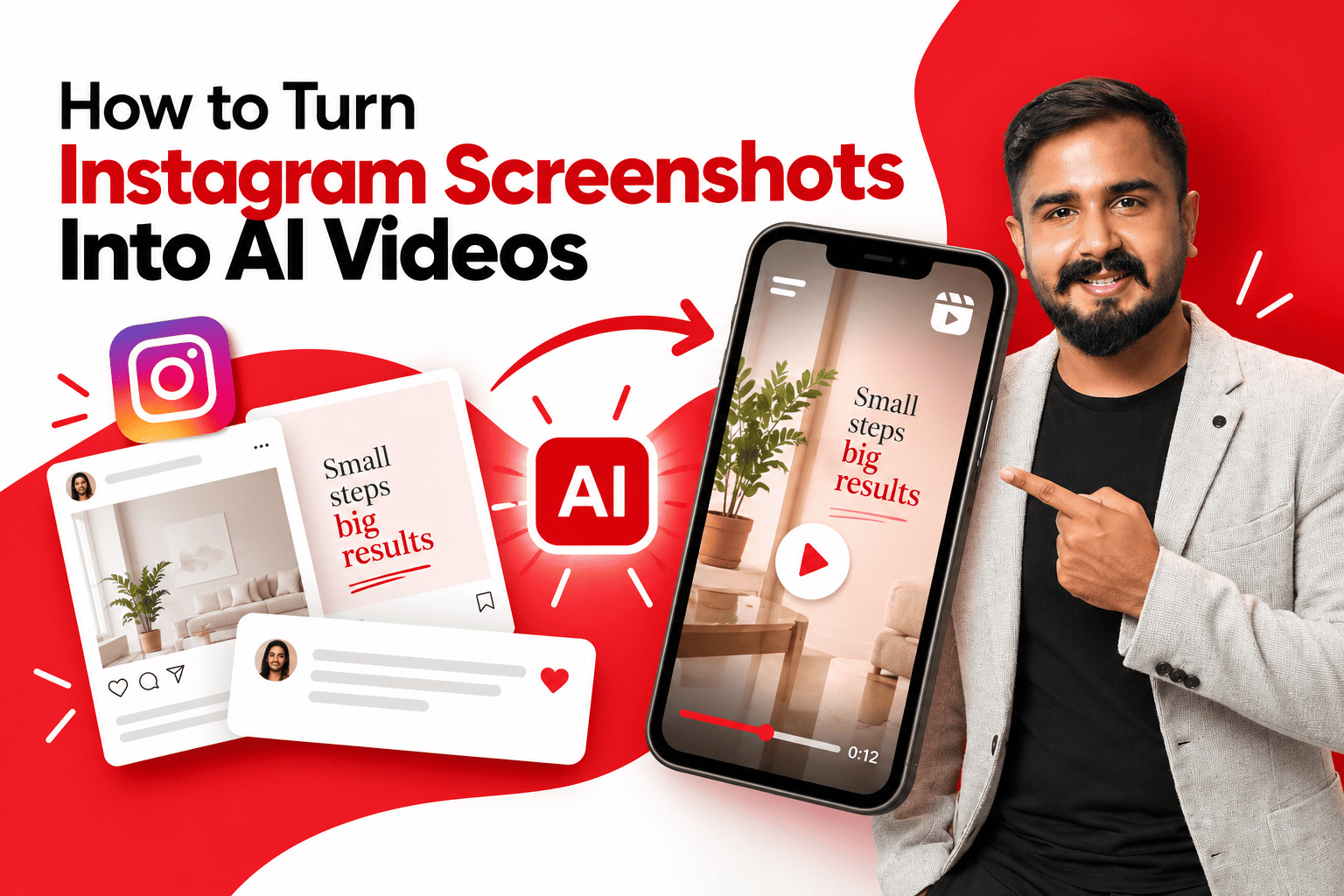
Every brand I work with at echoVME Digital sits on a goldmine they never use: years of screenshots. Old post grids, saved carousels, comment threads, DM exchanges, competitor screenshots, even quote cards from a designer’s archive folder. Static images that did their job once and then went straight into a forgotten Drive folder.
In 2026, that folder is one of the highest-leverage content sources a marketer has, because AI video tools can now take any one of those screenshots and turn it into a scroll-stopping Reel in minutes.
I recorded a full, hands-on walkthrough showing exactly how I do this, and this article is the written companion to that session, structured the way I teach it inside Digital Scholar’s classrooms. If you would rather watch me build this live, the original tutorial is here: How to Turn Instagram Screenshots Into AI Videos on YouTube.
This is not about generating random AI clips. It is a content repurposing workflow taking an asset you already own, that already proved it resonates, and giving it a second life as video without booking a shoot.
Table of Contents
Why Screenshots Are an Underused Content Goldmine
Here is the thing most marketing teams get backwards: they treat video production as something that starts from zero. Write a new script, plan a new shoot, design new graphics.
But Instagram’s own organic reach has shifted hard toward video over the past two years, and most brands simply do not have a fast enough pipeline to keep up with that shift using fresh production alone.
A screenshot is not a blank page. It is content that already has a hook, a message, and in many cases, proof that it worked once, a post that performed well, a comment that got attention, a quote card a client shared. Turning that into a moving video does not require new creative thinking; it requires a workflow. That is exactly the gap AI image-to-video tools have closed.
How to Turn Instagram Screenshots Into AI Videos: Step-by-Step Guide
This is the exact sequence I demonstrate in the video, broken down the way I would teach it on day one of a Digital Scholar AI content module.
Step 1: Choose the Right Screenshot
Not every screenshot deserves to become a video. I look for one of three things before I select one:
- Proven performance. A post, comment, or quote card that already got strong engagement in its static form is the safest starting point, because you already know the message resonates.
- A built-in hook or pause point. Screenshots with a dramatic pose, a surprising stat, or an unresolved moment work best for trend formats like “what happens next,” because the AI has something visual to continue.
- Clean, high-resolution capture. Crop out browser chrome, notification banners, and low-quality compression before uploading the model animates exactly what it sees, flaws included.
2: Pick the Right Tool for the Job
Just like AI filmmaking, image-to-video for social content is not a one-tool job. Different platforms are built for different outcomes.
built for different outcomes.
| Goal | What to use it for | Output style |
| Subtle cinematic motion | Add a slow zoom, parallax, or gentle camera push to a quote card or carousel slide | Polished, brand-safe, low risk |
| Full scene generation | Use the screenshot as a reference frame and let an AI video model build motion and continuation around it | More dramatic, higher novelty |
| Character animation from a photo | Animate a person in a screenshot into a full-body motion using a trending template | High engagement, trend-driven |
| “What happens next” twist | Upload a paused, dramatic screenshot and let AI generate a surprising continuation | Built for virality and shares |
Step 3: Upload and Set the Motion Prompt
- Upload your cleaned screenshot to your chosen image-to-video tool.
- Keep the motion prompt short and specific. Once the image already establishes the look, the prompt only needs to describe movement “slow push in, subtle parallax on the background” works better than a long descriptive paragraph.
- Select your duration and aspect ratio before generating. For Reels and Shorts, that is 9:16; do not generate in landscape and crop afterward, since framing and motion are calculated for the original aspect ratio.
- Generate two or three variations before committing. The first result is rarely the strongest one, and regenerating is far cheaper than reshooting.
Step 4: Layer In Captions, Sound, and a Hook
A moving screenshot is not a finished Reel by itself. This is the step that turns a generated clip into something that actually retains viewers.
- Add a text hook in the first second. Instagram’s algorithm weighs early retention heavily, so the first frame needs a reason to keep watching, even if the visual alone is striking.
- Sync to trending audio where relevant. A well-chosen audio trend can outperform a perfectly generated visual on its own.
- Auto-caption everything. A large share of Instagram’s audience watches with sound off by default, and uncaptioned content quietly loses a meaningful chunk of its potential reach.
Step 5: Export for Where It Is Actually Going
- Export your primary cut for Instagram Reels in 9:16, then re-export a square or 16:9 version if the same asset is going to LinkedIn or YouTube.
- Cross-post the same generated video to TikTok and YouTube Shorts: one generation, three platforms, with only minor caption and hook adjustments per channel.
- Save the original screenshot and the generated video together in your content archive, tagged by campaign, so the next team member does not have to rebuild this from scratch.
Best use cases of turning Instagram Screenshots Into AI Videos
- Turning a high-performing static carousel or quote card into a Reel without redesigning anything
- Animating a screenshot of glowing client feedback, a DM, or a comment into a trust-building video for Stories
- Bringing an old testimonial post back to life as fresh video content for a new campaign
- Recreating a competitor or industry trend screenshot as your own branded video commentary
- Using the viral “what happens next” format, a paused, dramatic, or funny screenshot that AI continues into an unexpected twist
How I Actually Use This Across My Business1. At echoVME Digital: Reviving old client wins
Every client account has a backlog of testimonial screenshots, glowing comments, and high-performing static posts sitting unused. We now run a monthly pass through that backlog, picking the two or three strongest assets and turning them into Reels. It consistently produces some of our highest-retention content for the lowest production cost in the entire calendar.
2. At Digital Scholar: Teaching content repurposing as a discipline
I tell every batch the same thing: the brands winning right now are not the ones creating the most new content, they are the ones extracting the most value from content they already made. This workflow is one of the clearest, most teachable examples of that idea, and it is now part of our AI content module.
3. For my own personal brand
Strong comments and DMs I receive after a talk or a LinkedIn post regularly get turned into short video testimonials using this exact process. It keeps my personal brand content moving without requiring a new shoot every single week.
My Pro Tips for Better Results- Start with your best-performing static content, not your newest. Past performance is the closest thing to a guarantee you have in this workflow.
- Build a small swipe file of motion prompts that work. Save the exact phrasing that produced a result you liked, and reuse it as a starting template for future screenshots.
- Batch this work weekly, not daily. Set aside one focused session to process several screenshots at once rather than treating it as a constant, scattered task.
- Always credit and get consent. If a screenshot includes another creator’s comment, a client testimonial, or a third party’s image, confirm you have permission to repurpose it before it goes out under your brand.
- Watch for over-animation. Subtle motion almost always reads as more premium than dramatic, busy movement on a quote card or testimonial screenshot.
Frequently Asked Questions1. What does “turning an Instagram screenshot into an AI video” actually mean?
1. What does “turning an Instagram screenshot into an AI video” actually mean?
It means uploading a static screenshot, such as a post, comment, testimonial, or quote card, into an AI image-to-video tool that animates it. The tool adds motion like a camera push, parallax effect, or full scene continuation, turning a still image into a short moving clip. The result can then be captioned, scored with music, and posted as a Reel, Short, or TikTok, giving previously static content a second life as video without filming anything new.
2. Do I need any video editing skill to do this?
No. Most image-to-video tools require only an uploaded image and a short text prompt describing the motion you want, with generation handled automatically. Basic skill in adding captions, trimming the clip, and syncing audio afterward will noticeably improve results, but none of it requires professional editing software. The hardest part of this workflow is choosing the right source screenshot, not operating the tool itself.
3. Which Instagram screenshots work best for this technique?
Screenshots that already proved themselves work best: posts or comments with strong past engagement, testimonials, glowing DMs, or quote cards with a clear message. Images with a dramatic pose, a visible pause point, or an unresolved moment also work particularly well for viral continuation formats. Avoid low-resolution captures, screenshots cluttered with browser chrome or notification banners, and anything where you do not hold clear rights to reuse the content.
4. Is it legal to turn someone else’s Instagram post or comment into a video?
It depends on ownership and consent. Your own posts and your own brand’s testimonials are safe to repurpose freely. Screenshots involving another creator’s content, a client’s comment, or a third party’s image require explicit permission before being reused, especially in paid advertising. Always credit the original source where appropriate, and treat this the same way you would treat any other reused user-generated content in your marketing.
5. How long does it take to turn a screenshot into a finished Reel?
Generating the base animated clip typically takes a few minutes per attempt, and I usually generate two or three variations before picking the strongest one. Adding captions, a hook, and music afterward adds another ten to fifteen minutes in a standard editing app. Once you have a repeatable workflow and a prompt template that works, a full batch of several Reels can realistically be produced in a single focused hour.
6. What is the “what happens next” trend, and how does it relate to this technique?
It is a viral short-form format where a creator uploads a paused, dramatic, or funny image and lets AI generate a surprising continuation of the scene. It works particularly well with screenshots because a static post or comment already provides a clear setup moment. The unpredictability of the AI-generated twist is exactly what drives the strong watch-through and share rates this format has shown across Reels, Shorts, and TikTok.
7. Will repurposed screenshot videos look obviously AI-generated?
It depends heavily on the prompt and the amount of motion requested. Subtle effects, such as a slow push-in or gentle parallax on a quote card, generally look clean and brand-safe. Full scene generation or dramatic character animation carries a higher chance of visible artifacts, especially around hands, text, and complex backgrounds. My advice is to match the intensity of the effect to how much risk the asset can absorb testimonials and quote cards should stay subtle.
8. What aspect ratio and format should I export in for Instagram?
Generate and export directly in 9:16 vertical format for Reels rather than generating in landscape and cropping afterward, since motion and framing are calculated for the original aspect ratio you select. Most tools support direct export at this ratio. The same vertical export typically cross-posts cleanly to TikTok and YouTube Shorts with only minor caption adjustments, giving you three platforms from a single generation.
9. How is this different from Instagram’s own built-in AI Transition feature?
Instagram’s native AI Transition animates photo carousels directly inside Stories with smooth, automatic transitions between images you already have in the app. The workflow in this guide uses dedicated external AI video tools, which give far more control: custom motion prompts, full scene generation, trend-specific formats like character animation, and direct export built for Reels rather than Stories. Native tools are faster for quick, casual use; external tools are better for branded, calendar-driven content production.
10. Can brands use this for paid advertising, or is it only for organic content?
Brands can use AI-animated screenshot content in paid advertising, but a few checks come first: confirm the platform’s commercial usage rights, ensure you hold clear rights to any testimonial or third-party content in the original screenshot, and follow your region’s disclosure requirements for AI-generated or AI-modified ad creative. I advise every client at echoVME Digital to treat this the same way they would treat any other licensed creative asset before it enters paid spend.
